YOUR FACE IS YOUR ticket®

Facial Entry for Live Events

Make sure your attendees never have to wait in line to get into your event with Wicket’s facial authentication technology.

Faster Entry

Reduce lines and let guests enter events faster with technology that guests love.

Easy to Use

Simple, one-time enrollment process that can be done in less than a minute.

Simplified Operations

Make events easier on your staff and reduce costs associated with complex workflows.

Face for Entry

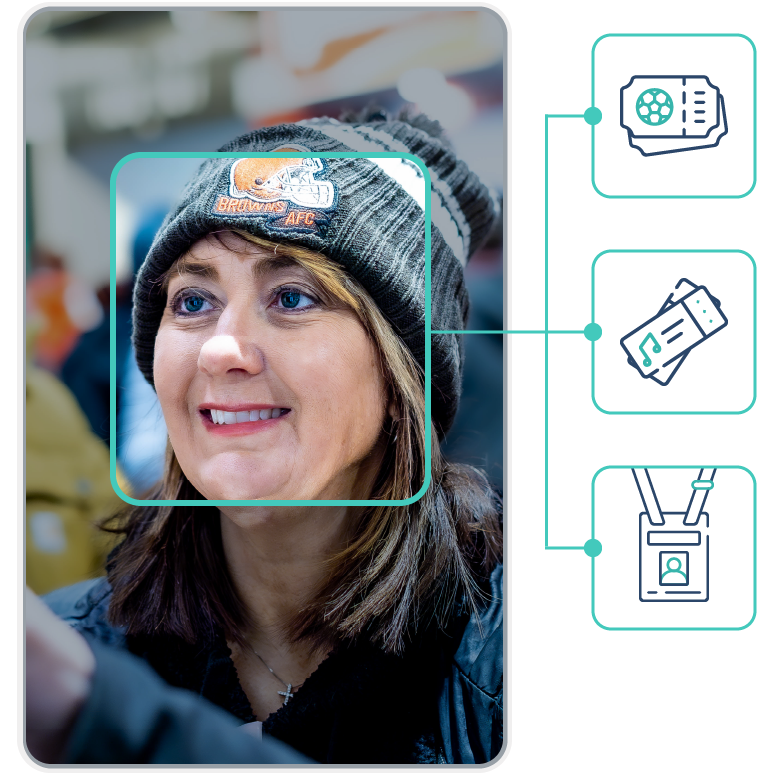
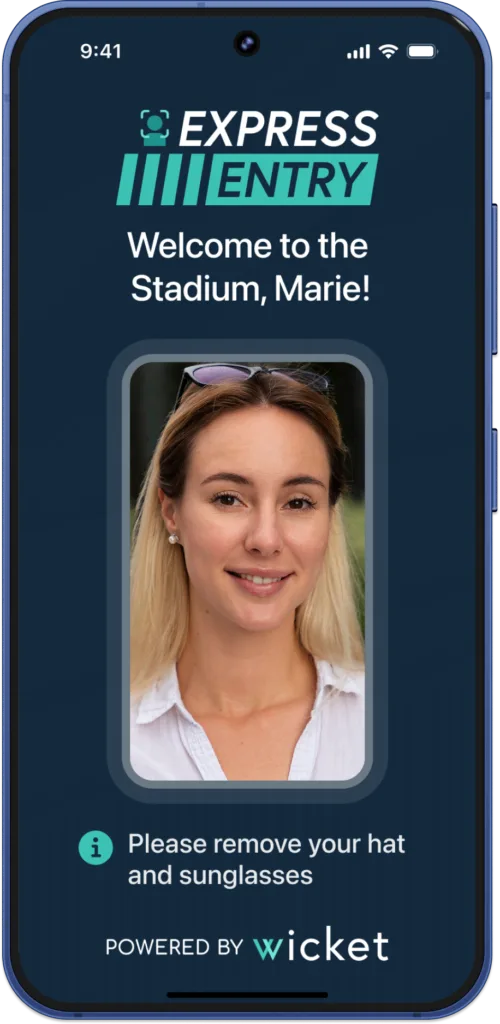
Link your guests’ entry tokens (tickets, passes, badges) to their face. On the day of the event, they simply present to a Wicket sensor, show their face, and walk in.

Multiple entry system integrations

Wicket technology is integrated into major ticketing and event management platforms, as well as turnstiles and entry hardware, making deployment straightforward.

Wicket sensors are lightweight and easy to update on event day, allowing teams to adjust sensor function, placement, and branding as needed.​

Sensors are designed to be easy to use, with a number of sensor modes supporting the needs of guests, administrators, and operators.

EVENT ENTRY

Use Cases

Reduce lines, capture touchpoint data, and ensure every interaction is seamless for a truly memorable event.

Facial Ticketing

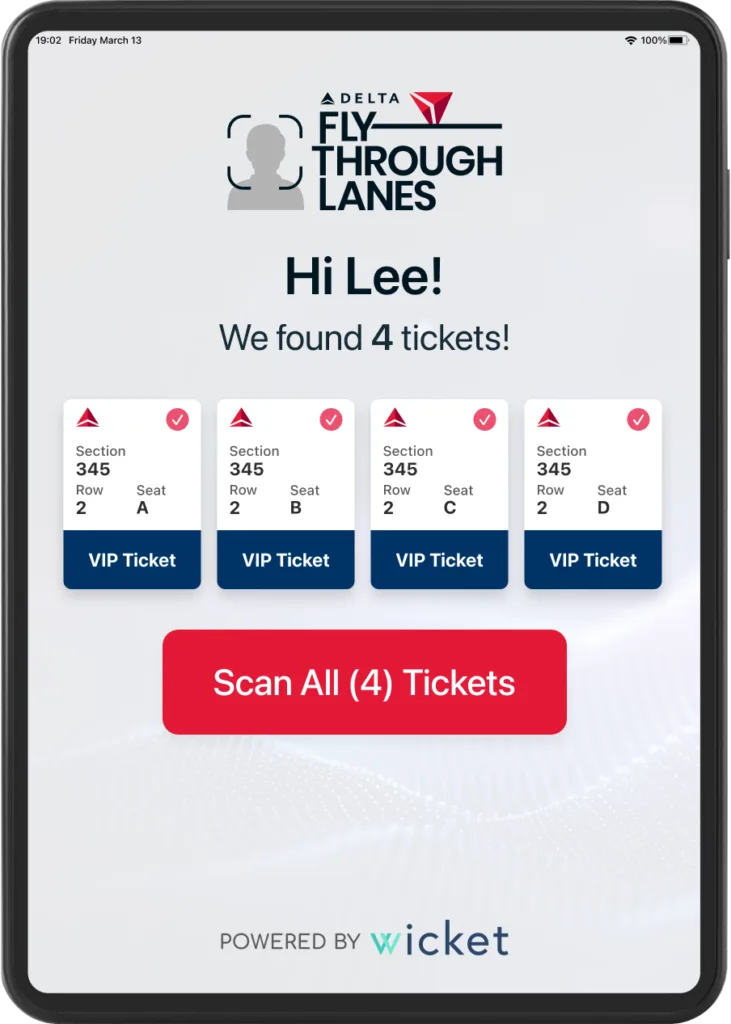
Fans connect their selfie to their ticketing account and use their face to get into event.

BENEFITS
Facial Ticketing Redeem Screen

Event Check-in

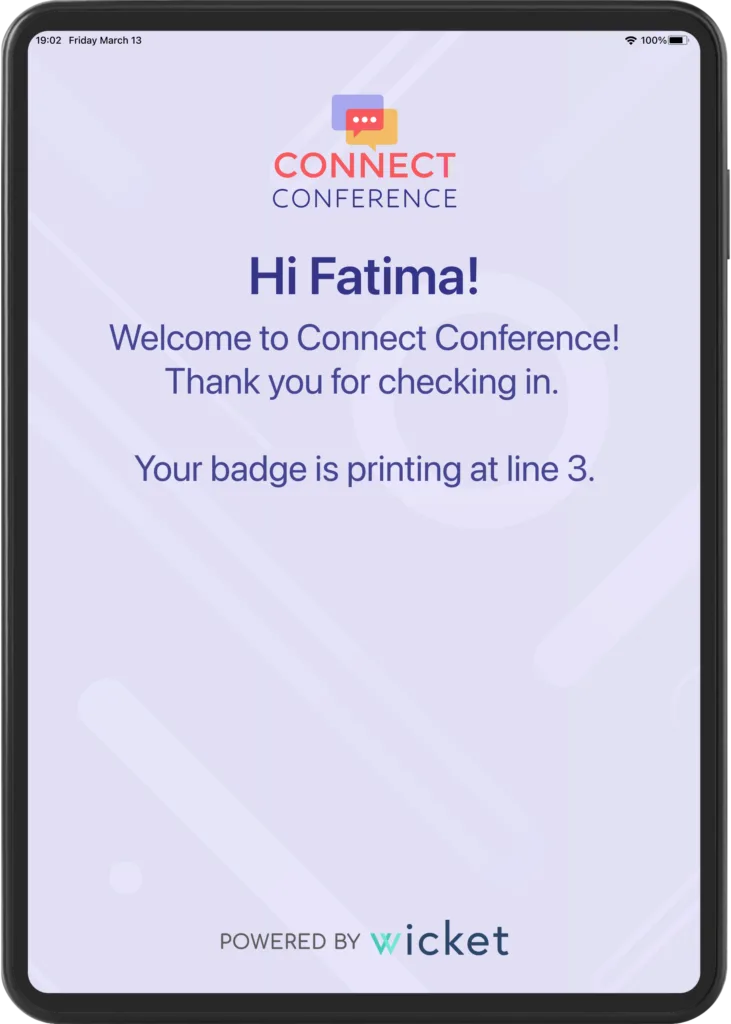
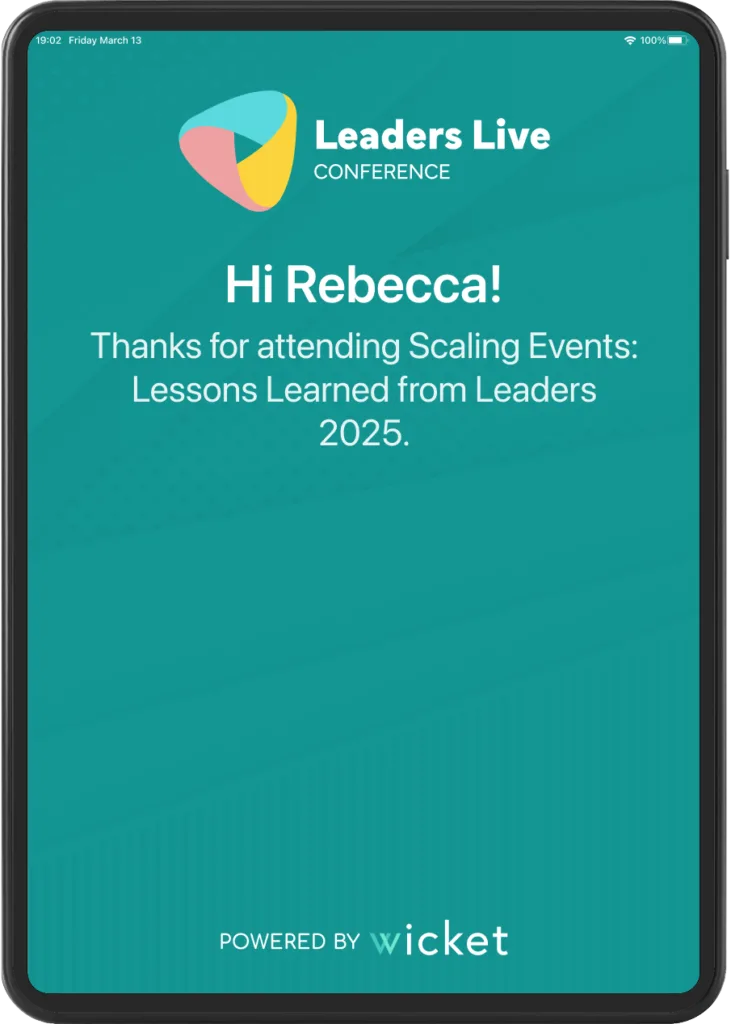
Live event attendees connect their faces to their badges, ensuring a faster, smoother check-in process.

BENEFITS
Verticals
Event Check-in Redeem Screen

Event Re-entry

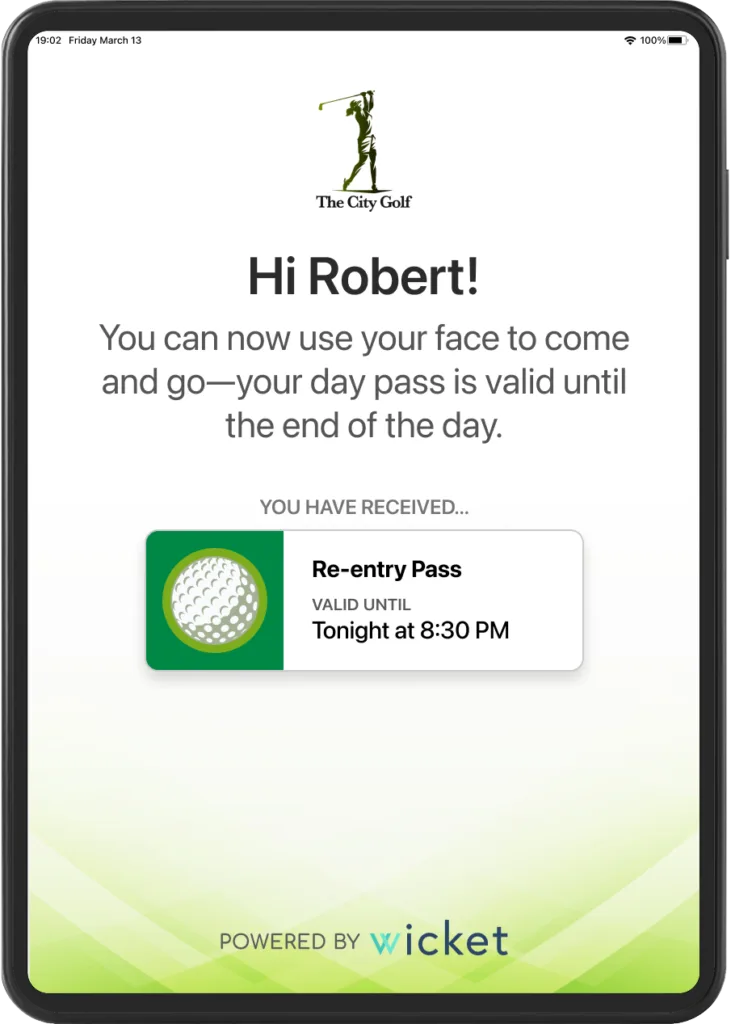
Guests use their face to exit an event and re-enter without re-scanning a ticket or badge.

BENEFITS
Re-entry Redeem Screen

Session Scanning

Event attendees use their faces to scan into sessions, eliminating manual scans and badge checks.
BENEFITS
Verticals
Session Scanning Redeem Screen

Premium Club Entry

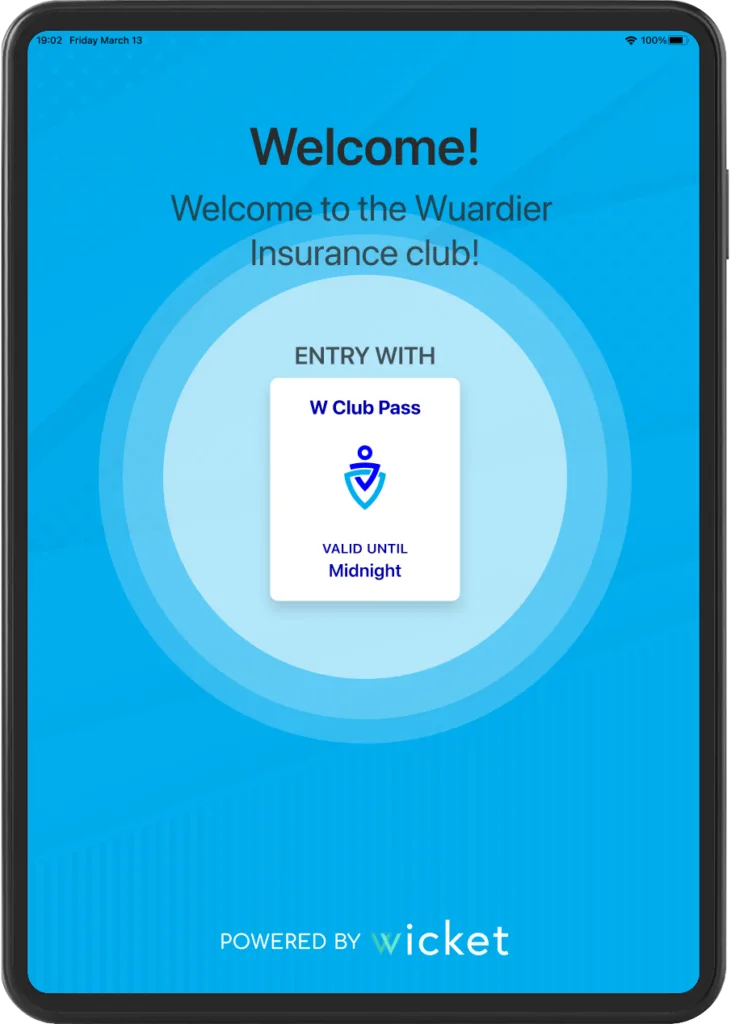
Premium guests and club members can use their face to easily gain entry to premium hospitality areas.

BENEFITS
Day Pass Redeem Screen

HOW IT WORKS

Simple Enrollment Process

Connect

STEP 1

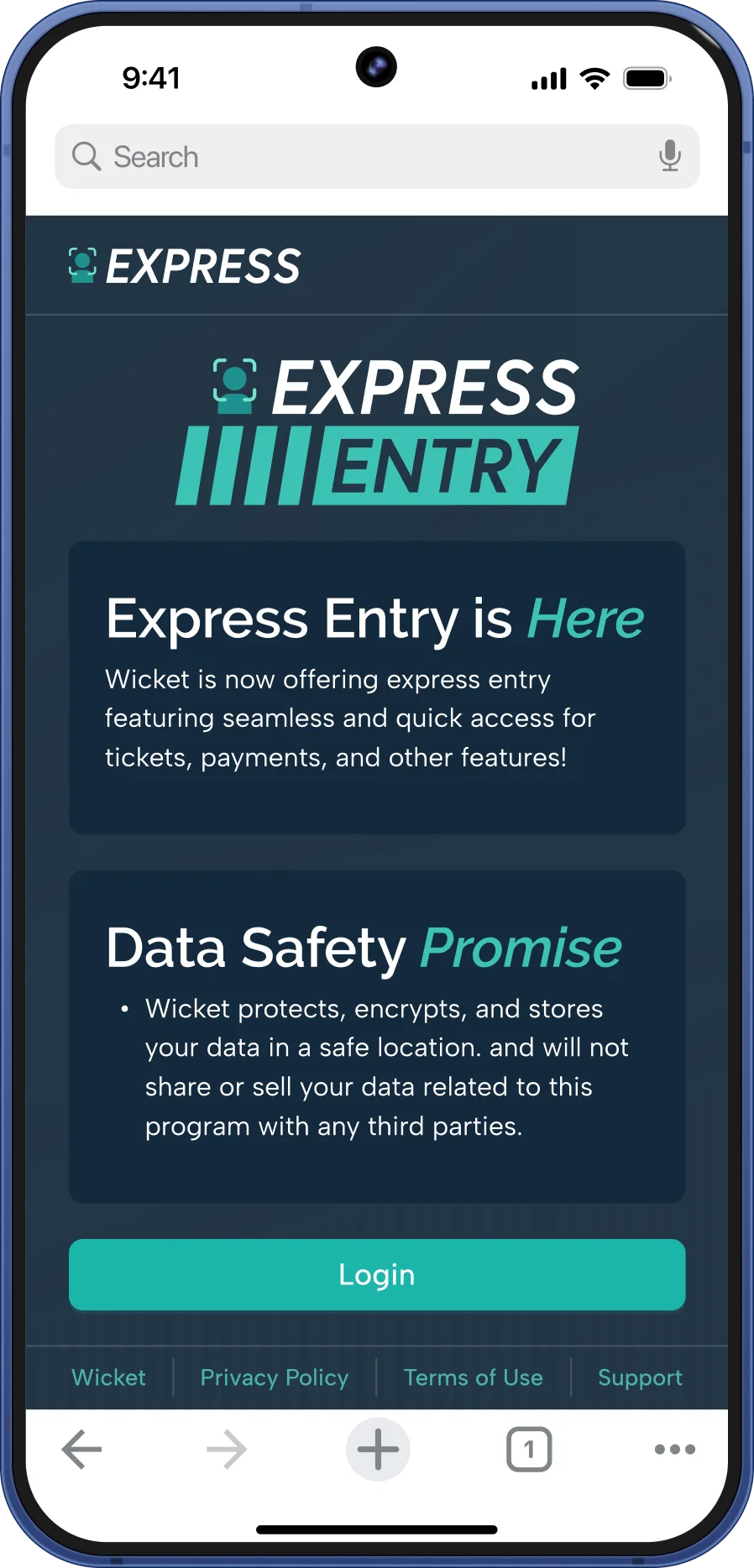
Users log in and connect their ticket or badge account to Wicket.

Express Entry Enroll Screen

Capture

STEP 2

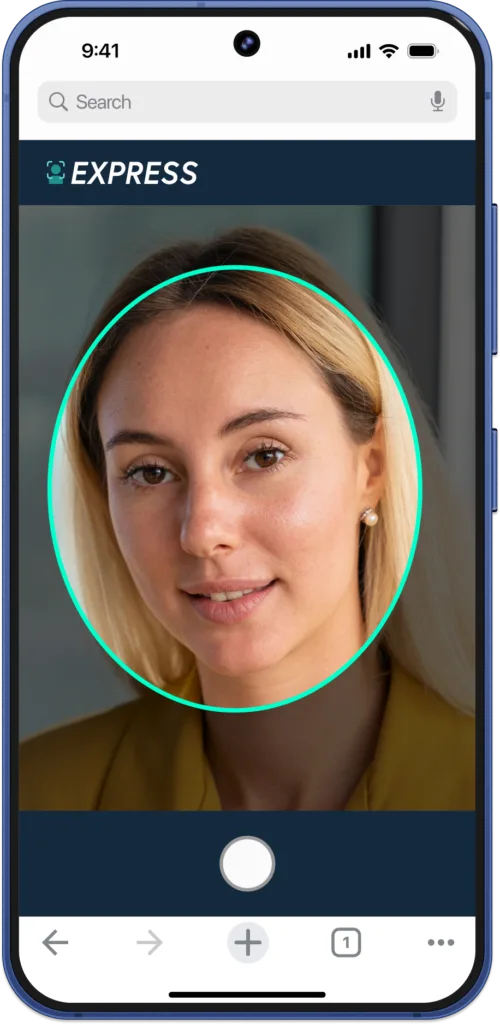
Users opt into a Wicket express entry program and take a selfie.

Express Entry Capture Screen

Show Up

STEP 3

On the day of the event, users arrive, show their face, and go!

Express Entry Viewfinder Screen

DIFFERENTIATORS

What Makes Wicket Different?

Privacy-first

We are serious about privacy—customers own their lists and data and participation in event entry is opt-in only.

Sponsorable Assets

Customers have full control over user experience branding, ensuring their or their sponsors' brands gain greater visibility.

Field-tested

Wicket technology was built for live events, supporting events ranging from the hundreds to tens of thousands of people.

CASE STUDIES

Success Stories

NVIDIA GTC
Check-in
Session Scans
How the Wicket Platform Helped Offset Long Wait Times at the “Super Bowl of AI”
Check-in
Vouchers
Improving the Guest Experience for Coaches and Visitors at MLS NEXT Fest ​​
University of Florida
Ticketing
How the University of Florida expanded their use of facial authentication for their fans
Ticketing
Payments
Credentialing
How the Cleveland Browns Scaled Express Access Using Wicket
Ticketing
Payments
Credentialing
Streamlined Fan Journeys: Mercedes-Benz Stadium and Facial Authentication
Check-in
Session Scans
Access Control
How Salesforce Dreamforce took the Guest Experience to New Levels

Program FAQs

Wicket is the leading provider of privacy-first biometrics at scale. To learn more about how we apply this to our technology, click below.

What if enrolled users want to opt out?

Users are free to opt out of Wicket programs at any time, for any reason. 

If a user no longer wishes to be a part of a Wicket Facial Authentication program, they can simply email their request to security@wicketsoft.com.

Do fans have to use Wicket programs?

No, this is a service provided by the event organizer, and it is opt-in only and completely optional to use.

How do users enroll in a Wicket program?

Guests can enroll in multiple ways:

  • Enrollment through branded sites (which can be accessed on-site with QR codes or online via links)
  • An email to guests linking to the enrollment page
  • QR codes on-site
  • Links in the registration process
  • Links in the ticketing app

Enrollment takes less than a minute, and on-screen instructions guide users through the process.

How do I use a Wicket program at the venue?

Once you have enrolled, just follow the signs to the program lanes at the event, walk up and present to one of the kiosks, and you’re in. It’s that simple.

Do friends or family need their own selfie for their tickets if all tickets are under one enrolled account?

No, only the ticket account holder needs to be enrolled in Wicket with a picture. As long as the primary account holder is enrolled, all tickets can remain on that account, and the whole group (including children) can enter with the account holder. Once at the Wicket sensor, account holders will be able to redeem all tickets on their account, without anyone else from their party needing to enroll.

SPEED UP EVENT ENTRY

Create Frictionless Experiences